

Reverting EVM Transactions
Have the deposit hash and original Hyperliquid destination wallet ready. Open the Revert UI
Screenshots are illustrative and may reflect earlier requirements. Follow the current limits shown in the Revert UI.Revert an EVM Deposit
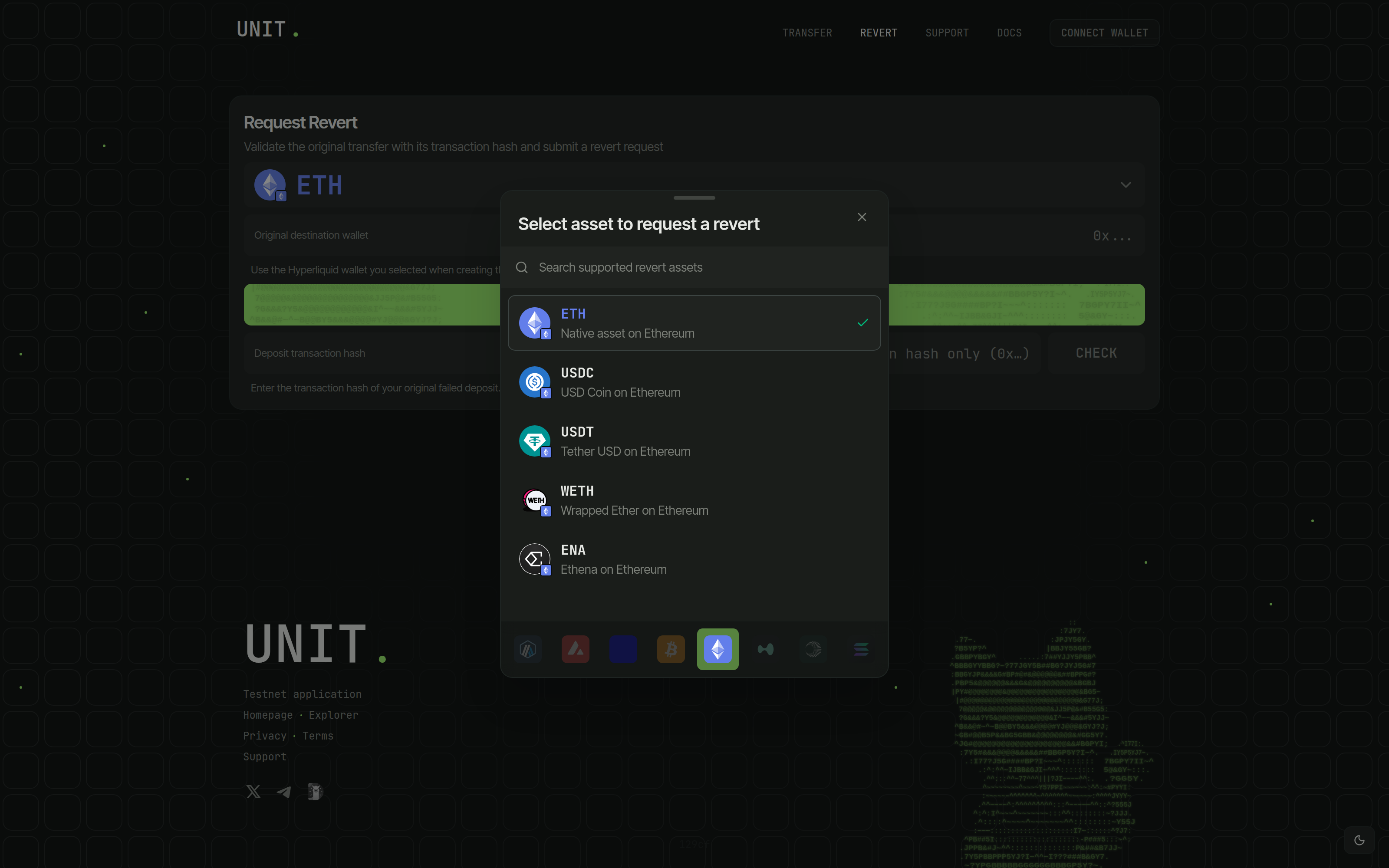
Select the Asset and Source Network
Open the asset selector in Revert and choose the deposit's source chain and asset.
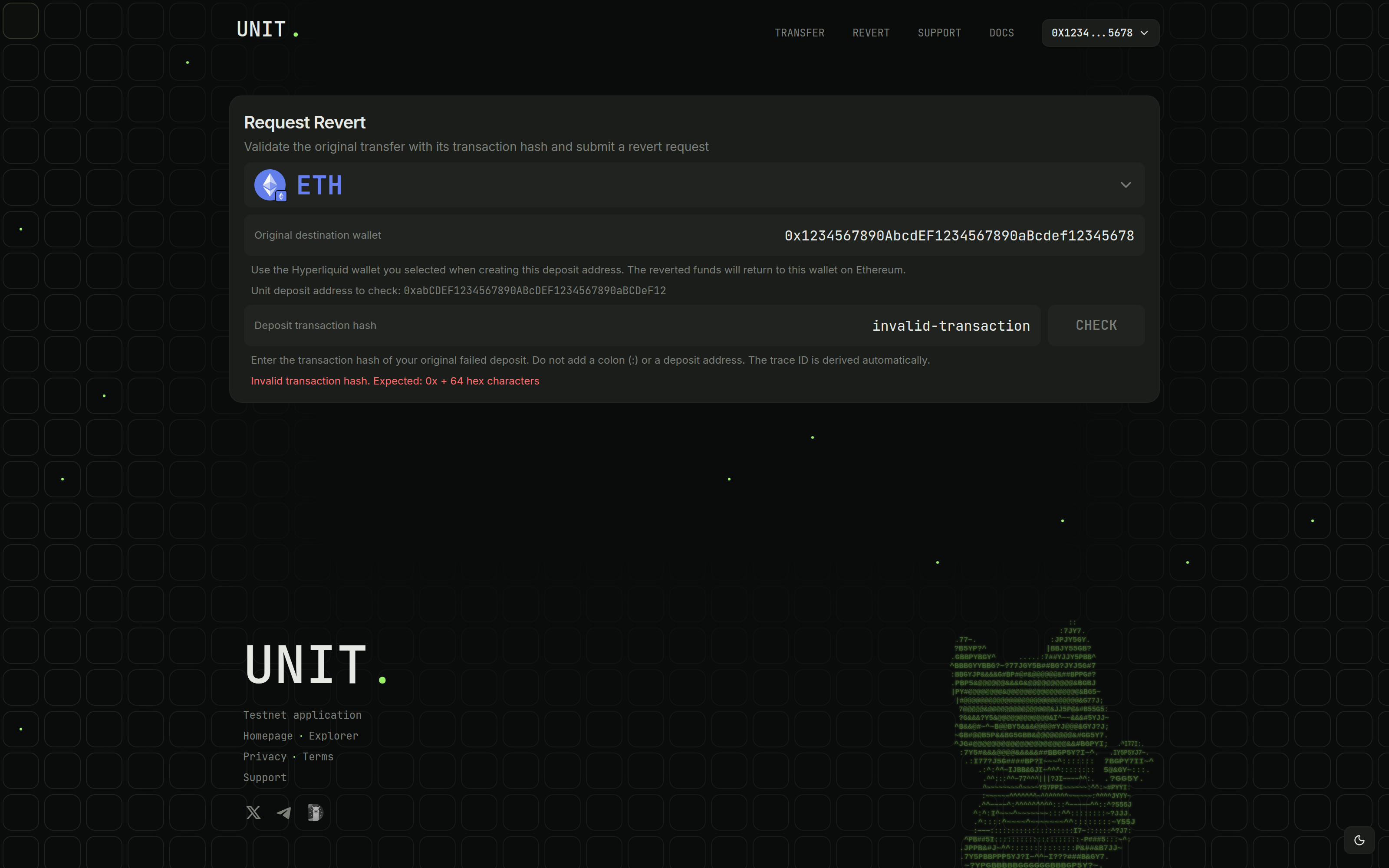
Set the Original Destination Wallet
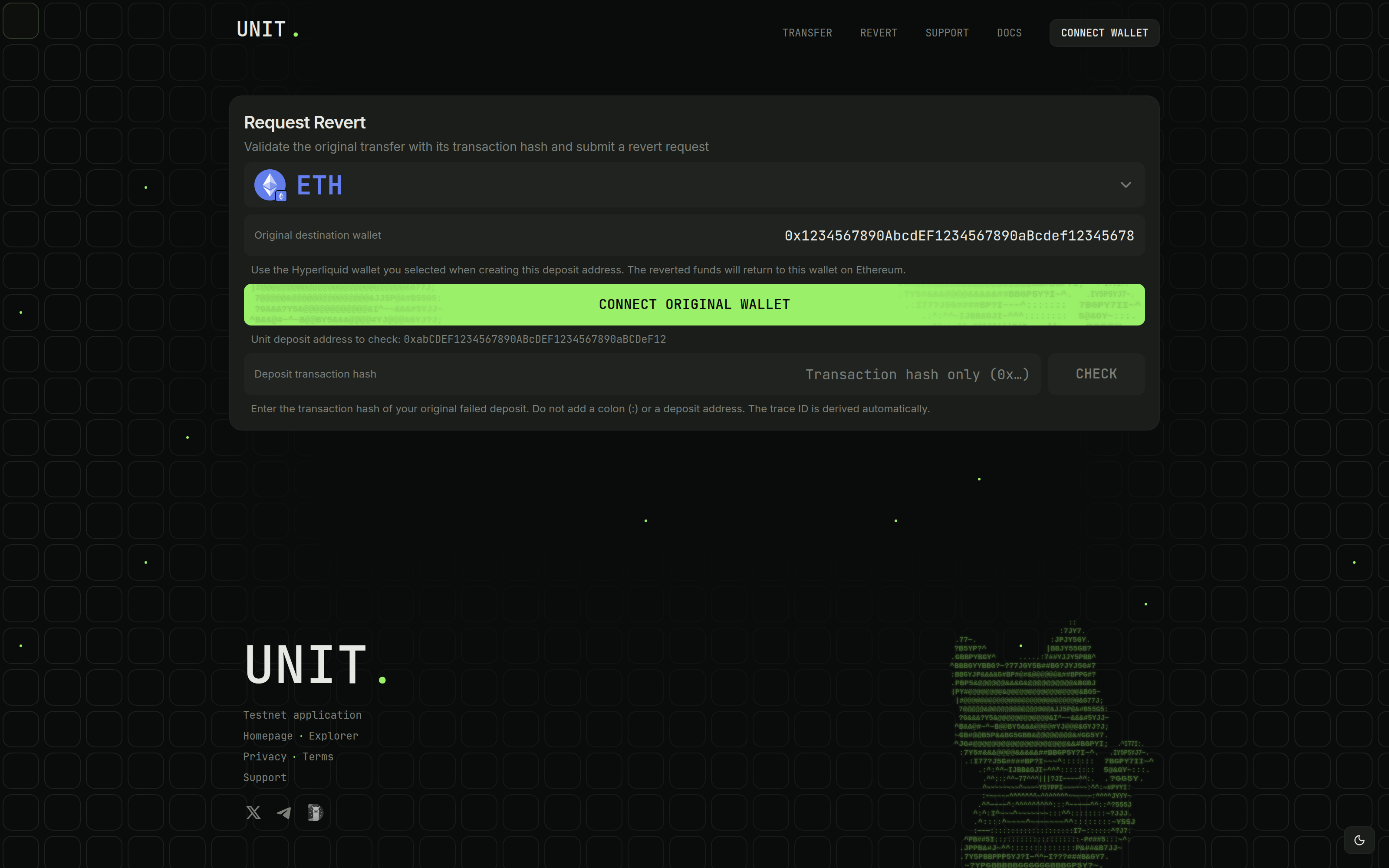
The Original destination wallet is the Hyperliquid wallet used to create your Unit deposit address. Enter it manually or click Connect original wallet.
Confirm Unit deposit address to check matches the deposit recipient. The original destination wallet signs the HyperEVM request and receives the reverted funds on the source network.
Check the Original Deposit Hash
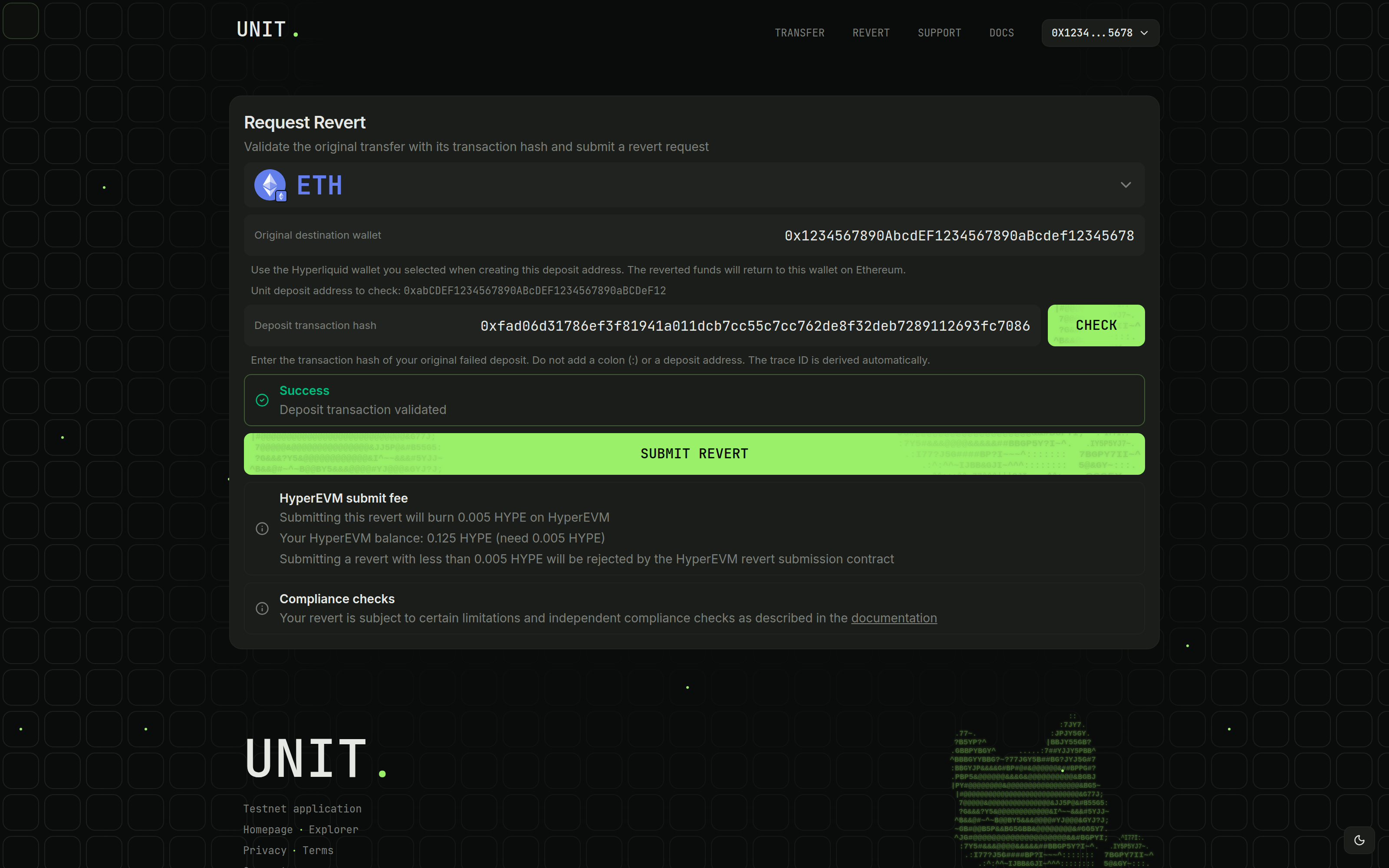
Paste the original 0x hash into Deposit transaction hash and click Check. The app derives the trace automatically.
Native deposits require at least 0.005 of the source network's native asset. The funds must remain at the Unit deposit address and meet the source-chain confirmation requirement. Continue after validation succeeds. Confirmation requirements
Review Token Funding When Required
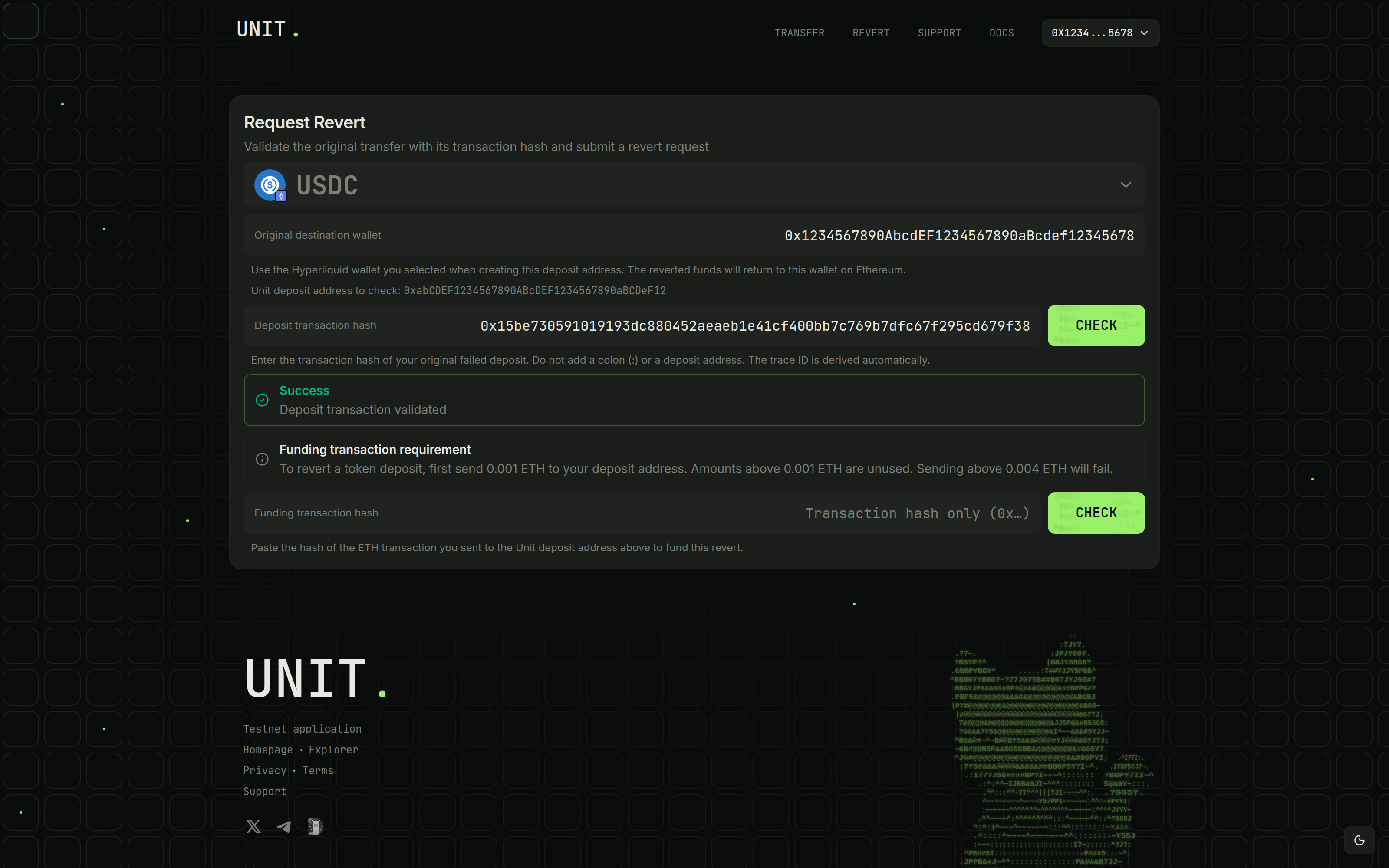
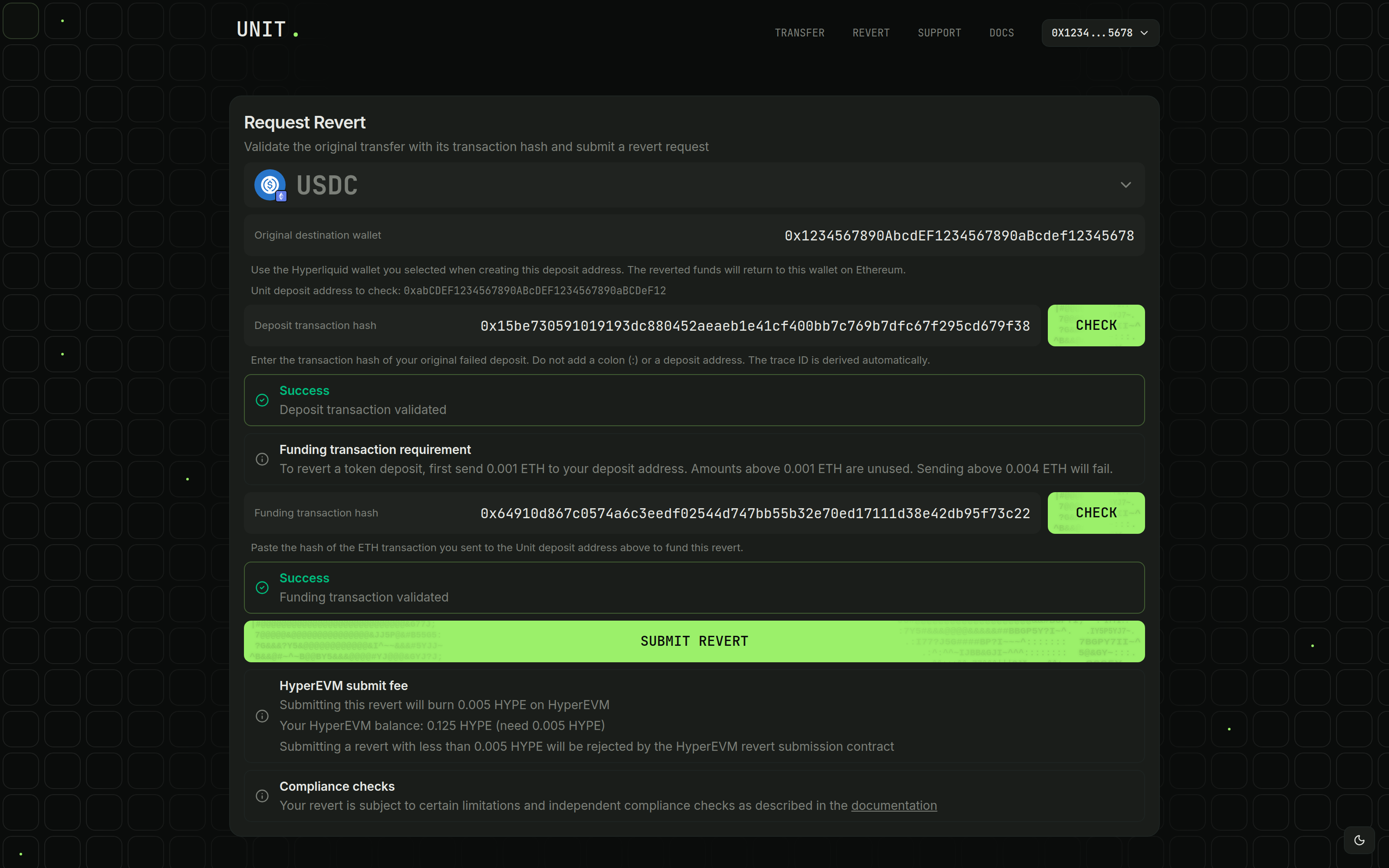
Token reverts require a native-asset funding transfer to the original Unit deposit address. Check Funding transaction requirement for the amount and accepted range.
For native-asset deposits, skip to Confirm HYPE Fee Availability on HyperEVM.
Send the Token Funding Transfer
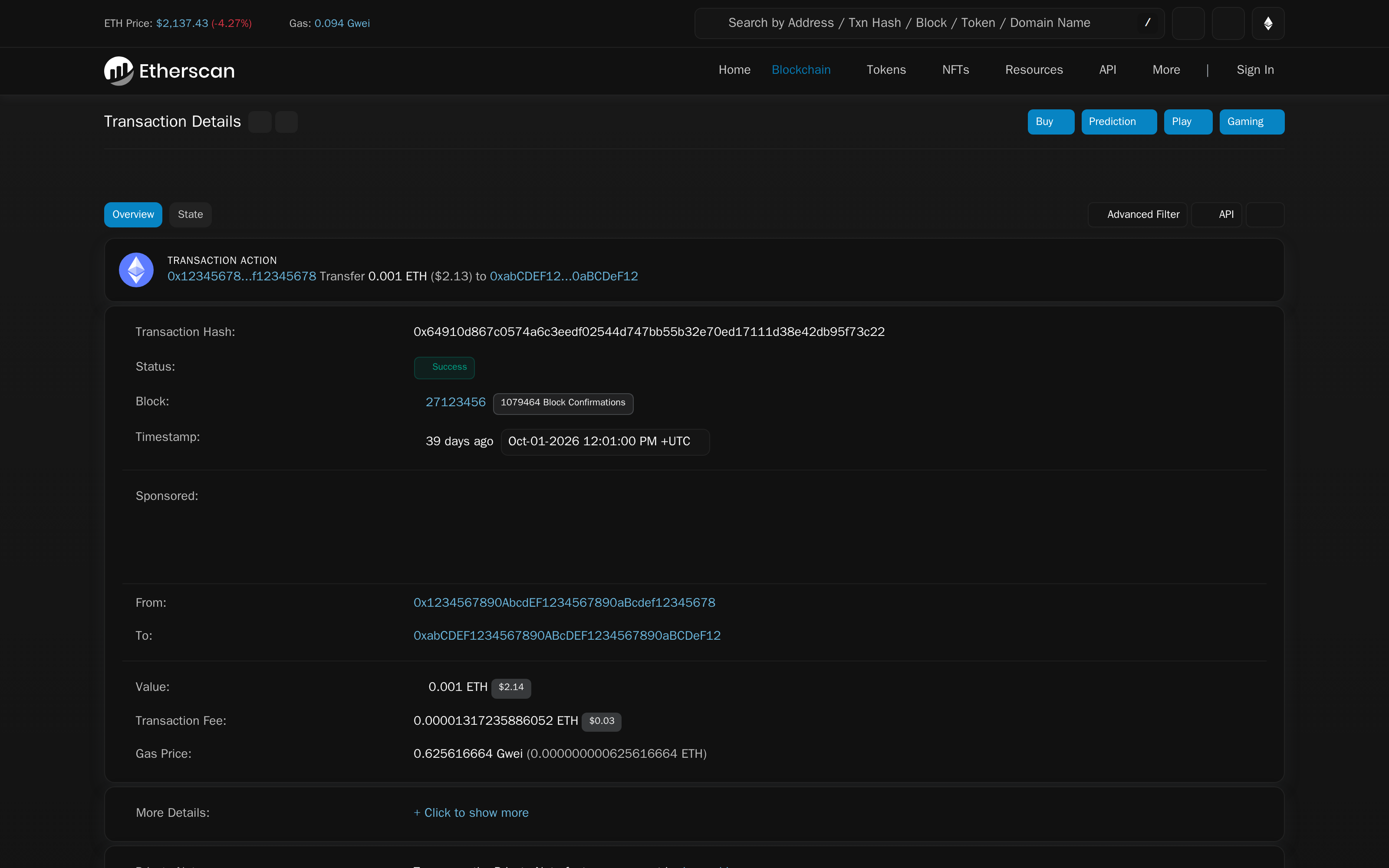
Send the displayed native-asset amount to the original Unit deposit address on the source network. Amounts above the minimum are unused, and transfers above the maximum fail validation.
After confirmation, verify the recipient and amount in the source-chain explorer and copy the funding hash.
Check the Funding Hash
Paste the confirmed transfer's hash into Funding transaction hash, click Check, and wait for Funding transaction validated.
Confirm HYPE Fee Availability on HyperEVM
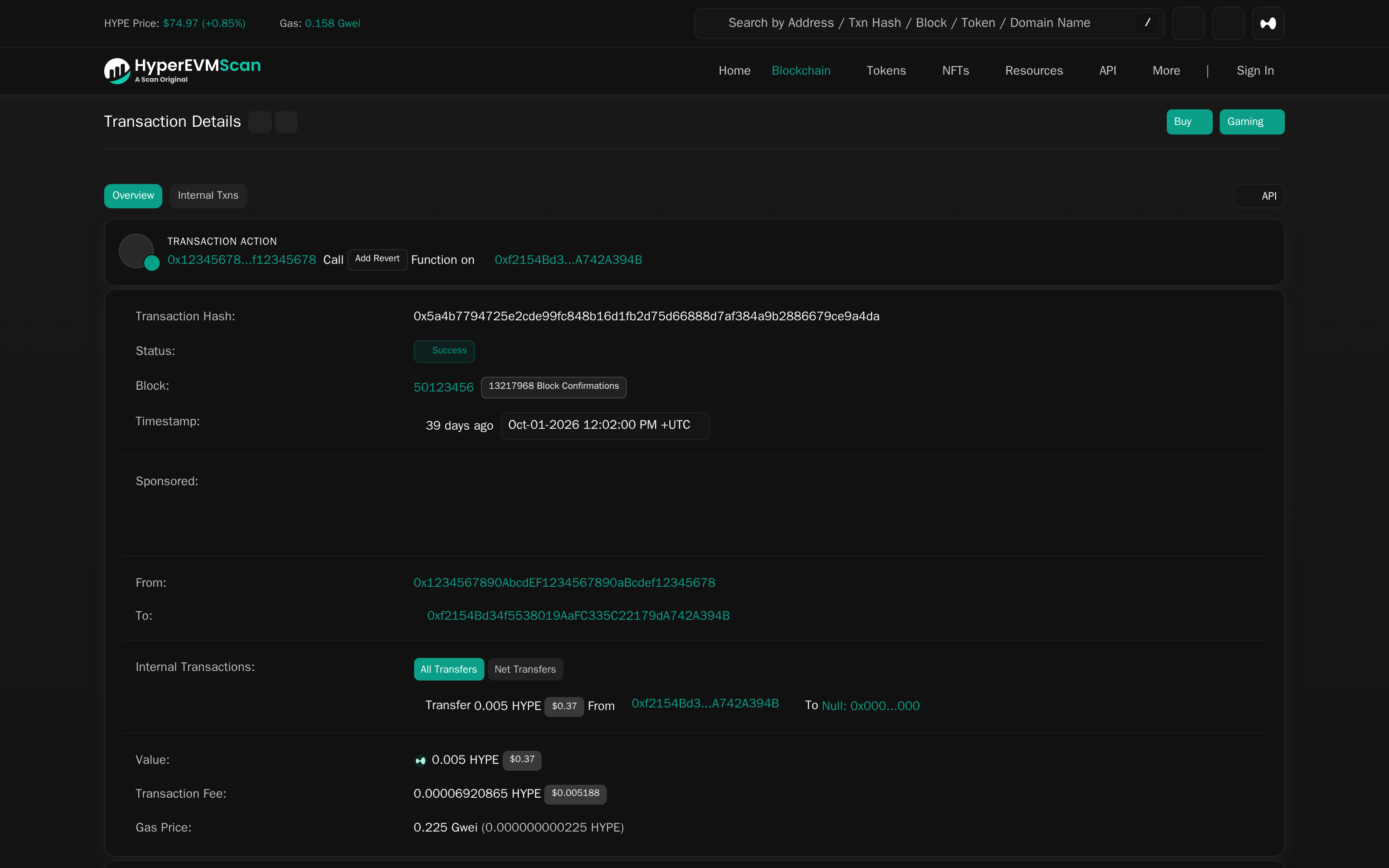
Connect the original destination wallet. Check its address and HyperEVM balance. It needs the displayed submission fee, currently 0.005 HYPE, plus gas.
Common Errors
- For a deposit mismatch, check the original destination wallet, Unit deposit address, source network, and asset.
- For invalid hashes, use the deposit and funding hashes in their respective fields.
- For insufficient confirmations, wait for the displayed requirement and click Check again.
- For minimum or balance errors, check the deposit amount and remaining funds at the Unit deposit address.
- For funding errors, check the recipient, source network, native asset, and accepted amount range.
- For insufficient HYPE, fund the original destination wallet on HyperEVM with the fee plus gas.
- For a rejected wallet request, reconnect the original destination wallet and retry the HyperEVM prompts.
- For a "Coalesce" error on submission, check the submitting wallet's network. Add or switch to HyperEVM (chain ID 999), then retry. Add HyperEVM
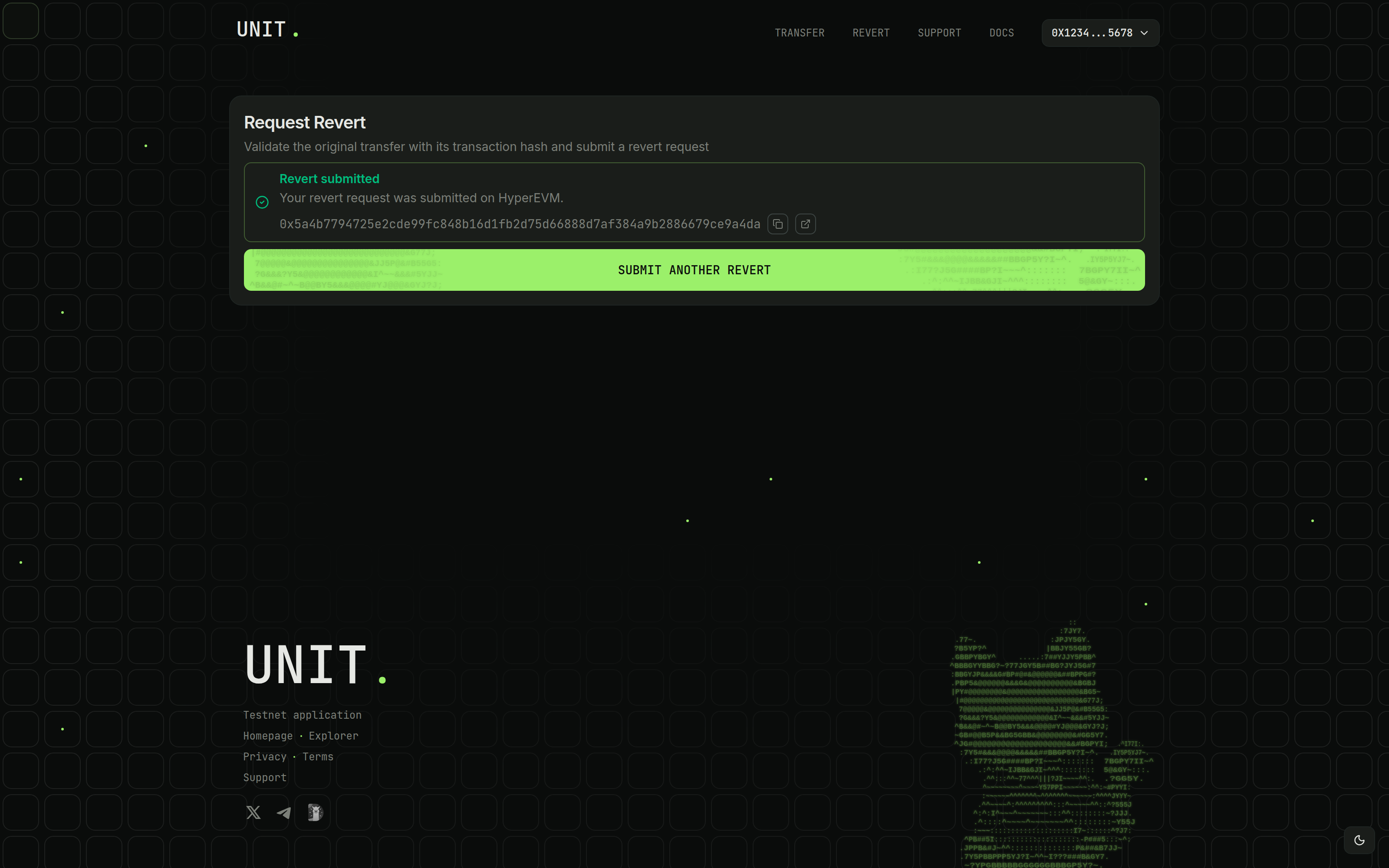
For help, include the deposit hash, funding hash if applicable, and HyperEVM submission hash. Contact Support