

Reverting Hyperliquid Withdrawals
Have the full Unit operation ID and an EVM wallet funded with HYPE on HyperEVM ready. Open the Revert UI
Screenshots are illustrative and may reflect earlier requirements. Follow the current limits shown in the Revert UI.Revert a Hyperliquid Withdrawal
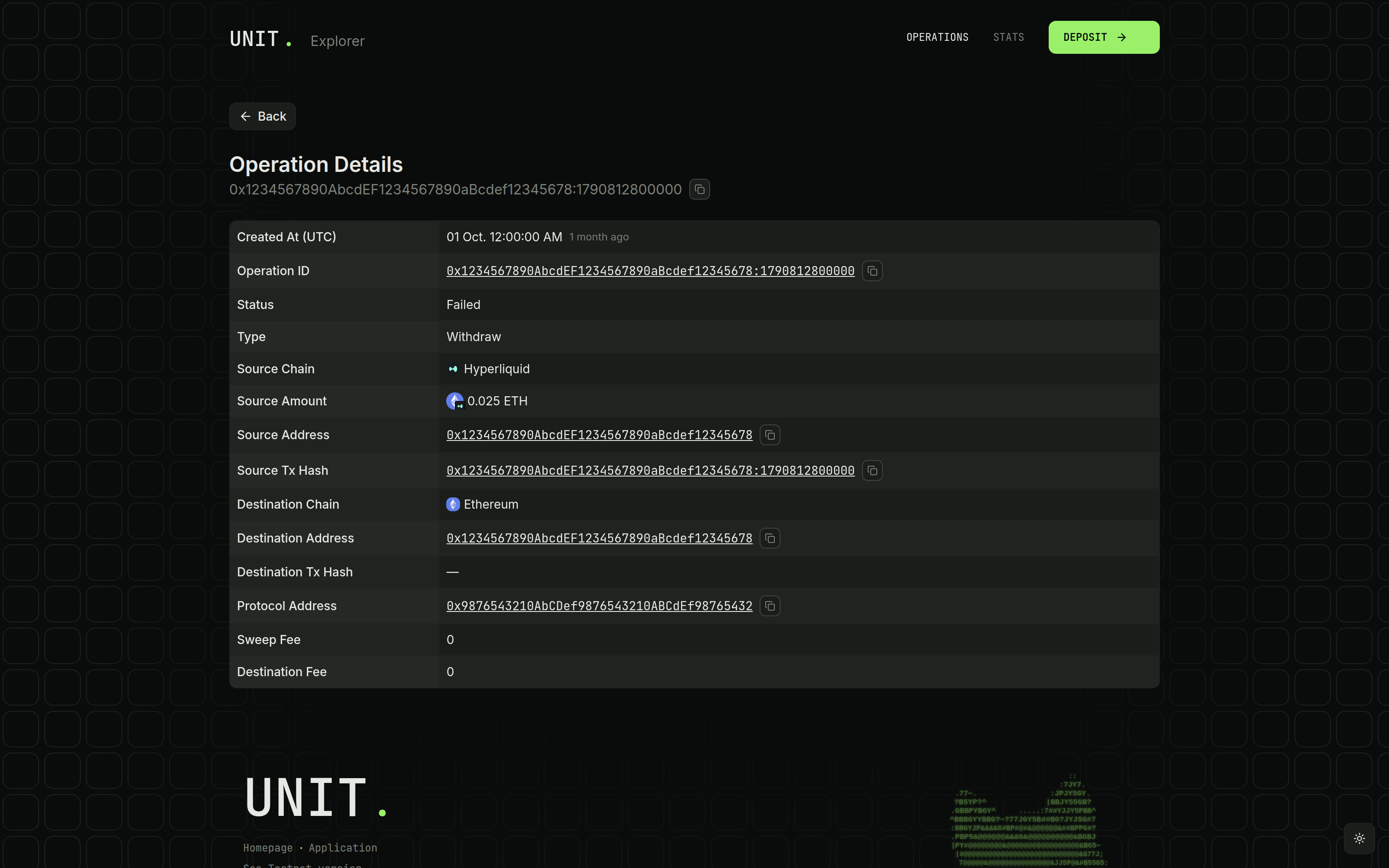
Find the Unit Operation ID
Open the failed withdrawal in Unit Explorer. Copy the full operation ID, including any suffix, and check its asset and destination network. Open Unit Explorer
Select the Withdrawal Flow
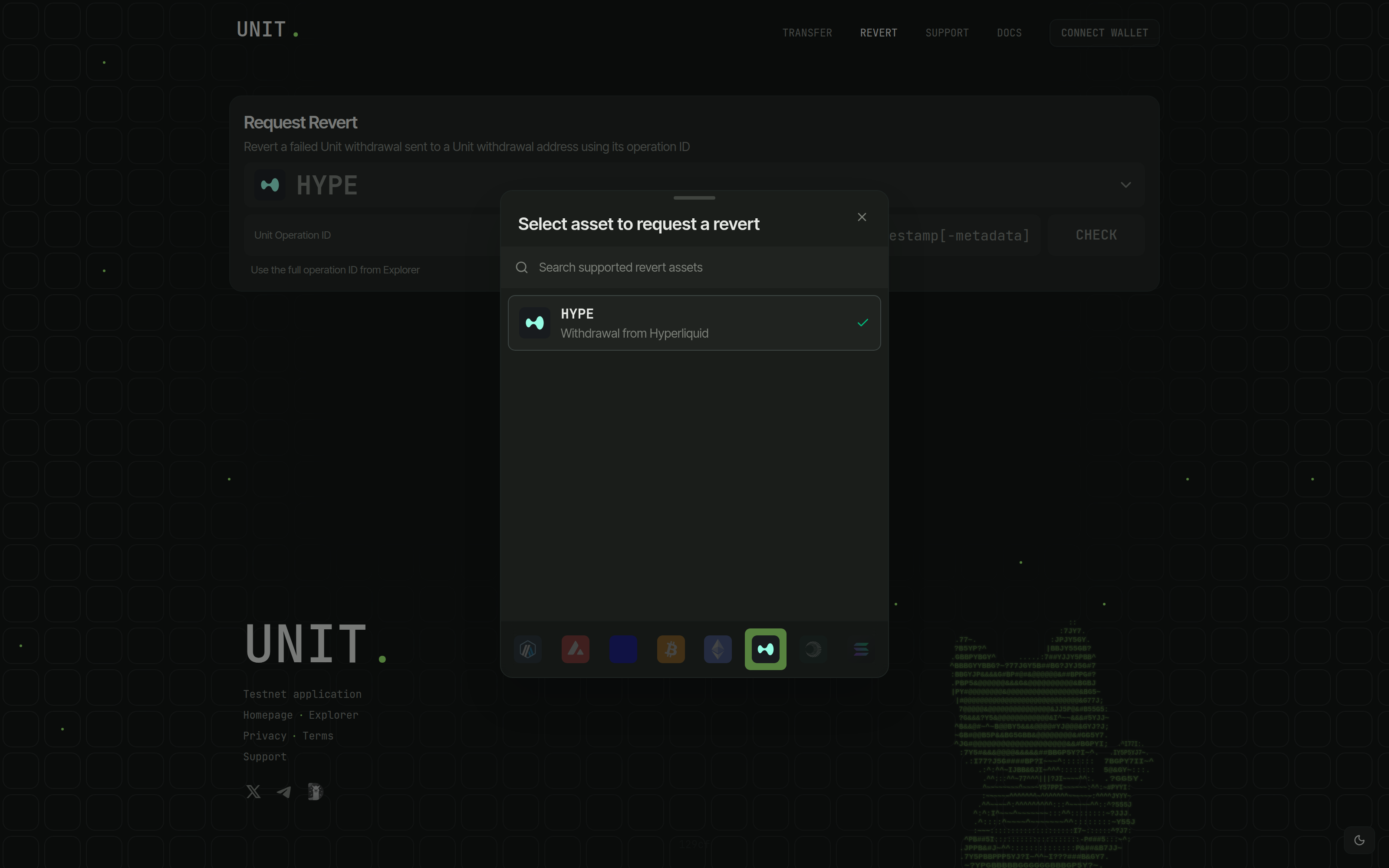
In the Revert asset selector, choose HYPE, labeled Withdrawal from Hyperliquid.
This opens the Unit withdrawal revert flow for all supported withdrawal assets.
Check Eligibility
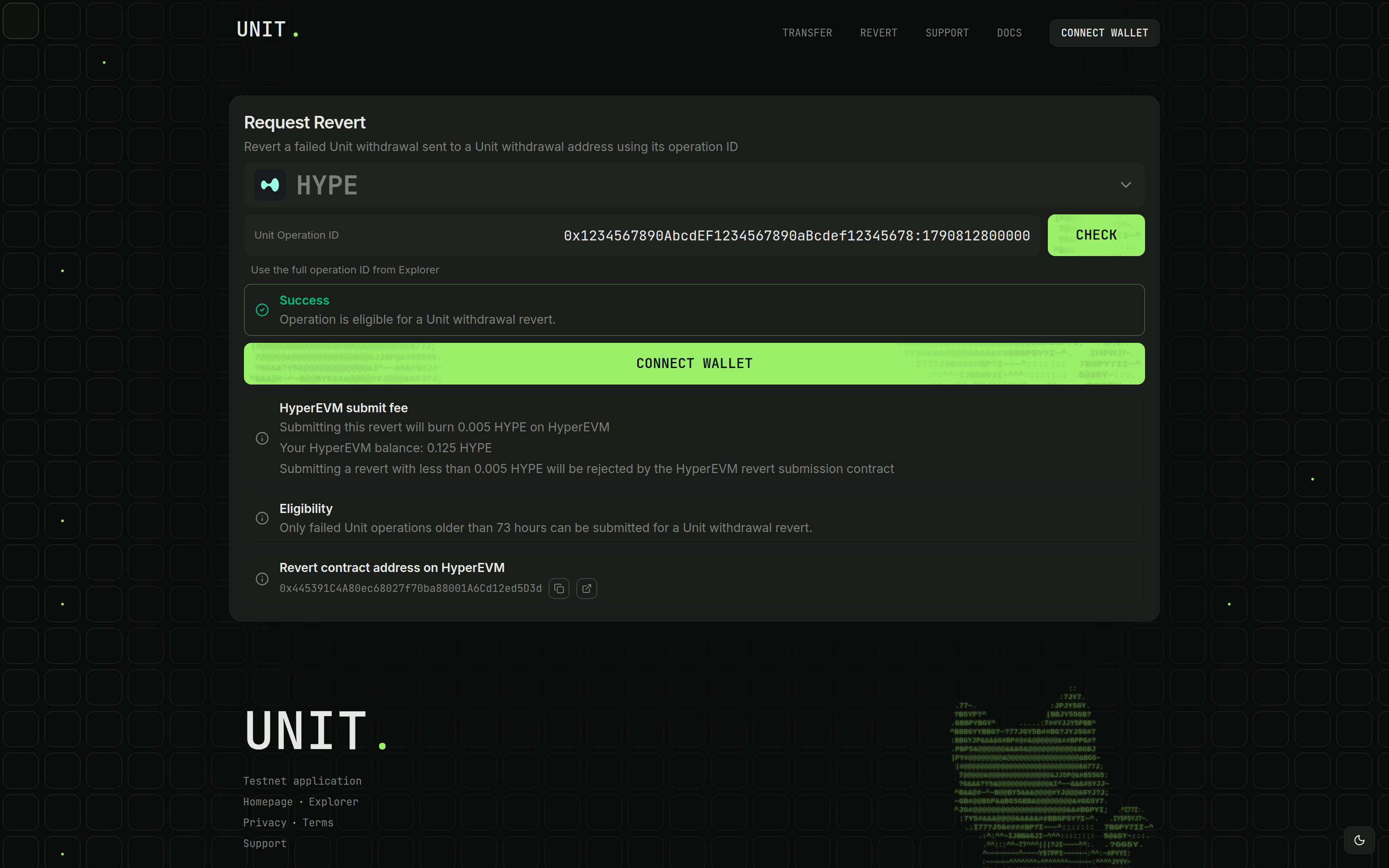
Paste the ID into Unit Operation ID and click Check. Eligible operations must be failed Hyperliquid withdrawals created at least 73 hours ago on mainnet or 24 hours ago on testnet.
Continue when Operation is eligible for a Unit withdrawal revert. appears.
Connect the Fee-Paying Wallet
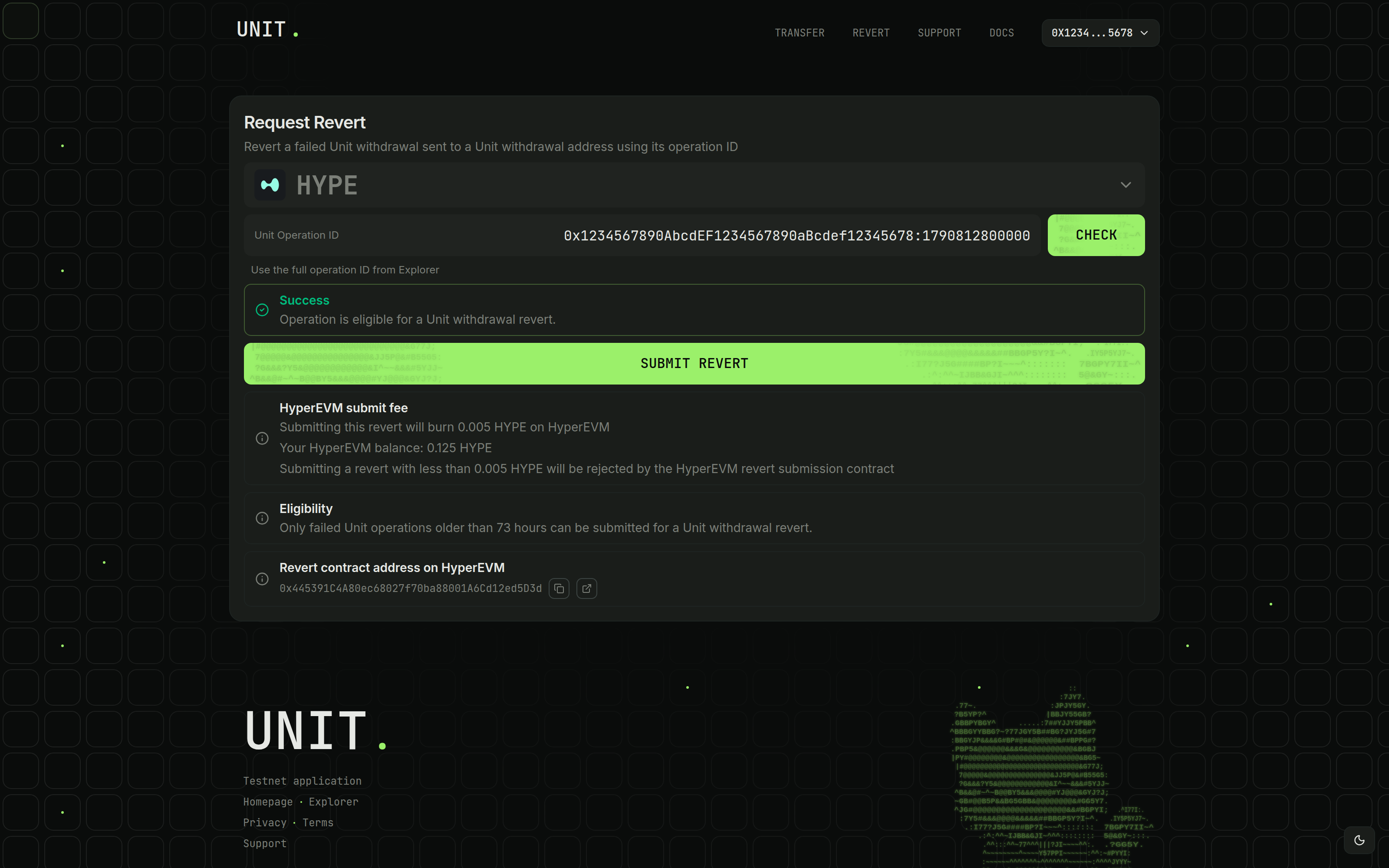
Click Connect Wallet to connect the EVM wallet that will pay the HyperEVM submit fee. Check its address and balance. It needs the displayed fee, currently 0.005 HYPE, plus gas on HyperEVM.
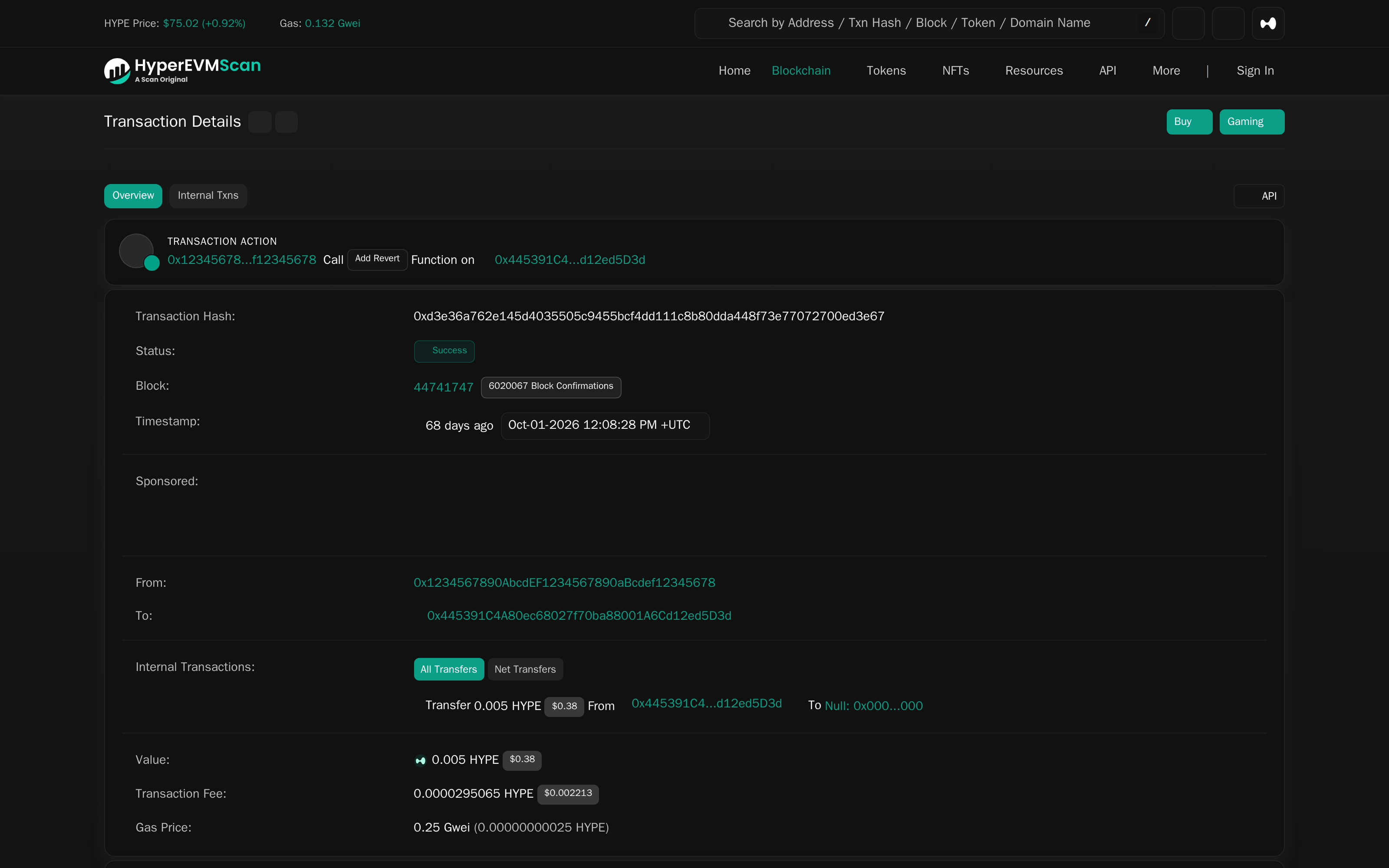
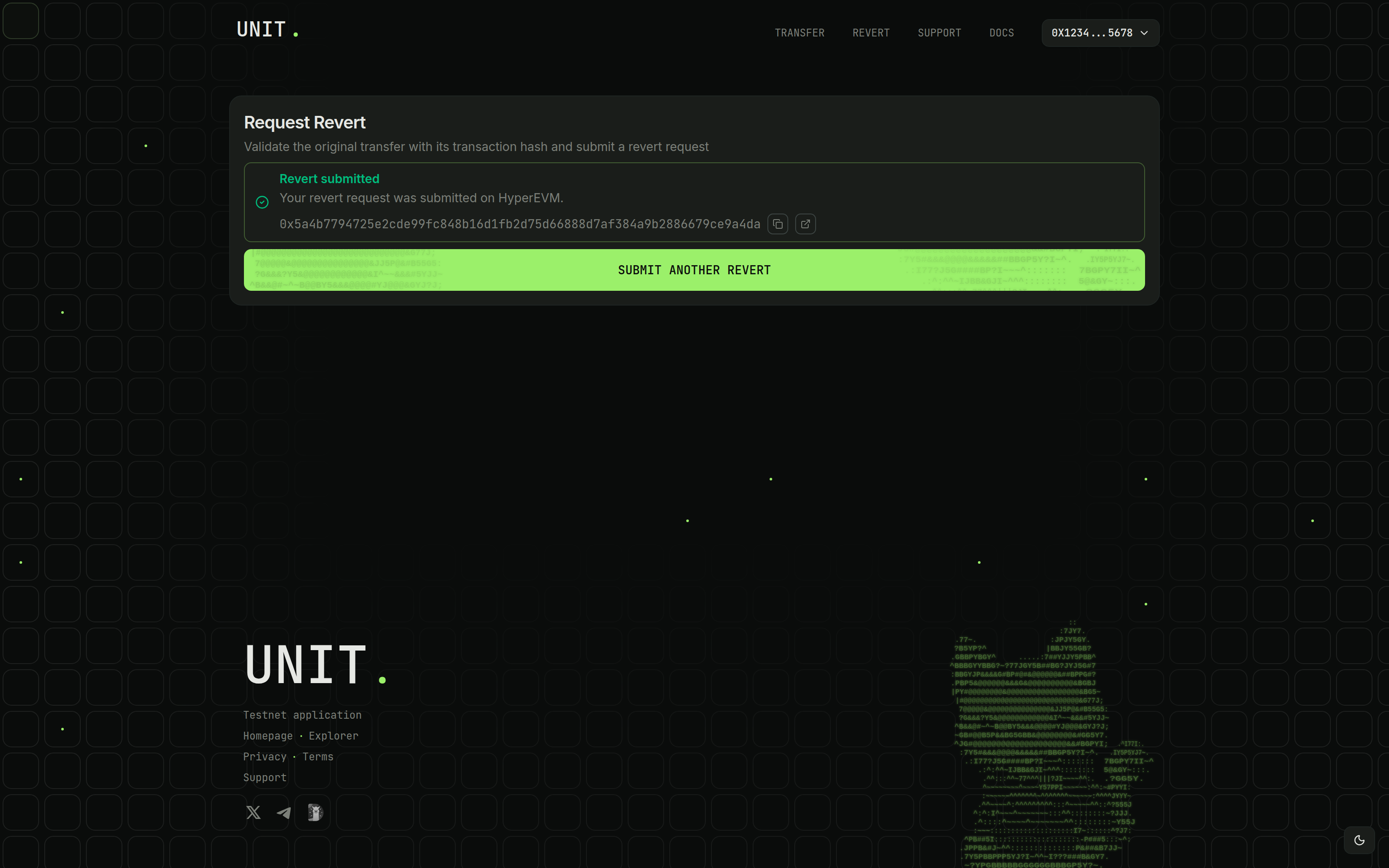
Common Errors
- For lookup errors, check the complete operation ID and mainnet/testnet environment.
- For an ineligible operation, check its failed status and Hyperliquid withdrawal type.
- If the waiting period is still running, wait for the displayed time and click Check again.
- If the HYPE balance is unavailable, wait for it to load or retry the connection.
- For insufficient HYPE, fund the displayed EVM address on HyperEVM with the fee plus gas.
- For a rejected wallet request, reconnect your EVM wallet and retry the prompts.
- For a "Coalesce" error on submission, check the submitting wallet's network. Add or switch to HyperEVM (chain ID 999), then retry. Add HyperEVM
For help, include the operation ID, error message, and HyperEVM submission hash. Contact Support